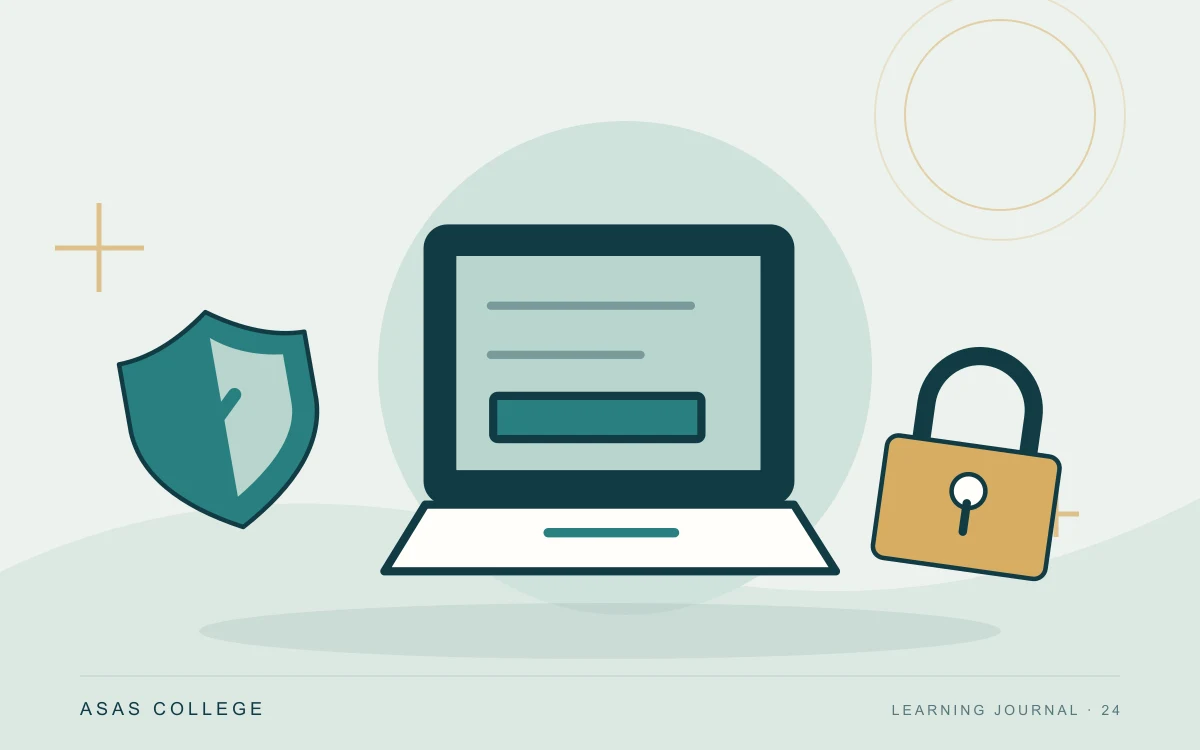
Strengthen study accounts with unique passwords, multi-factor authentication, careful link checking and recoverable copies of important work.
Your email account often connects the services you use for study, including password resets and assessment notifications. Protecting it is part of protecting your academic work. Security is easier to maintain when a few reliable habits are built into ordinary study routines.
Reduce the impact of one compromised password
Use a unique strong password for each account and consider a reputable password manager. Enable multi-factor authentication where available. Keep recovery details current and store recovery codes safely. Do not share a login with a study group; use the platform's authorised collaboration features instead.
Pause before acting on urgent messages
An unexpected request to pay, reveal a code or sign in through a link deserves a separate check. Open the known official website yourself or contact the organisation through an established channel. A familiar display name is not proof of the sender's identity. Never forward a one-time sign-in code to someone claiming to provide support.
Make recovery practical
Keep devices and applications updated and maintain a separate recoverable copy of important assignments. Check that you can restore a file, not simply that a backup label exists. If you suspect an account has been accessed, use the provider's recovery process and notify the relevant support channel promptly. Recording the time and observed activity can help the investigation.
Practise responding to a suspicious sign-in request
Imagine an email carrying an educational logo and demanding an account update within fifteen minutes. As a practice exercise, describe your response without opening its link: reach the platform through a known address, then check account notices or use an established contact route. Record what caused concern, but do not treat accurate spelling or a familiar logo as sufficient reassurance. The important step is checking the request independently.
Review recovery without weakening protection
Periodically check recovery details and where important codes and copies are kept. Know how to find the provider's instructions if your phone is lost, without disabling your current protection as an experiment. Avoid storing the only recovery-code copy inside the account those codes unlock. Practise restoring a non-sensitive study document into a separate folder, then inspect its contents and date instead of merely confirming that a filename appears.
Further reading
Image: original editorial artwork prepared for the Asas library; it illustrates the topic and does not depict an actual event or student.